
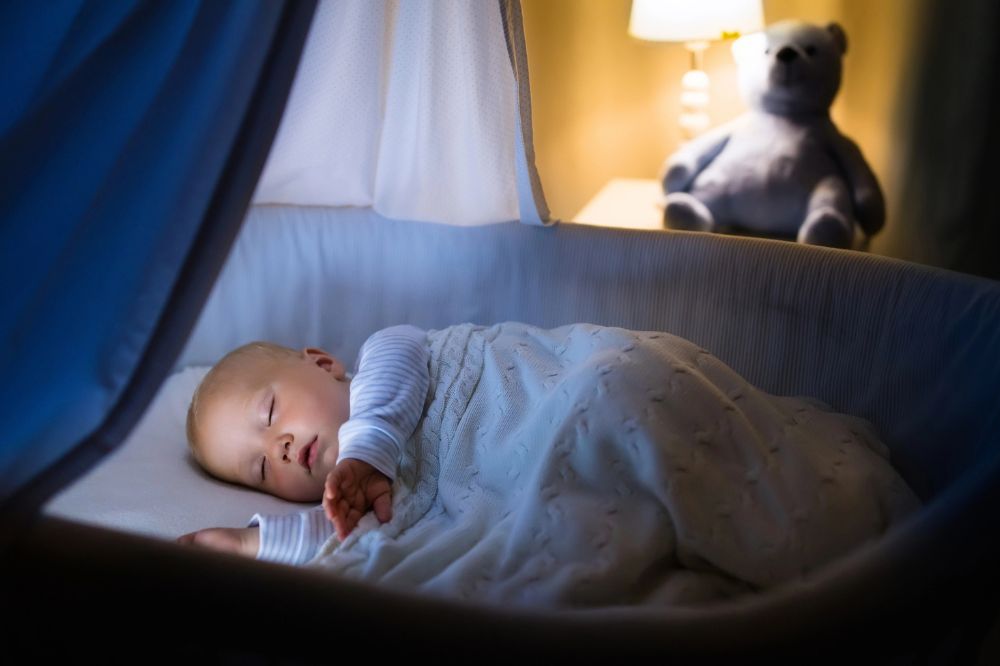
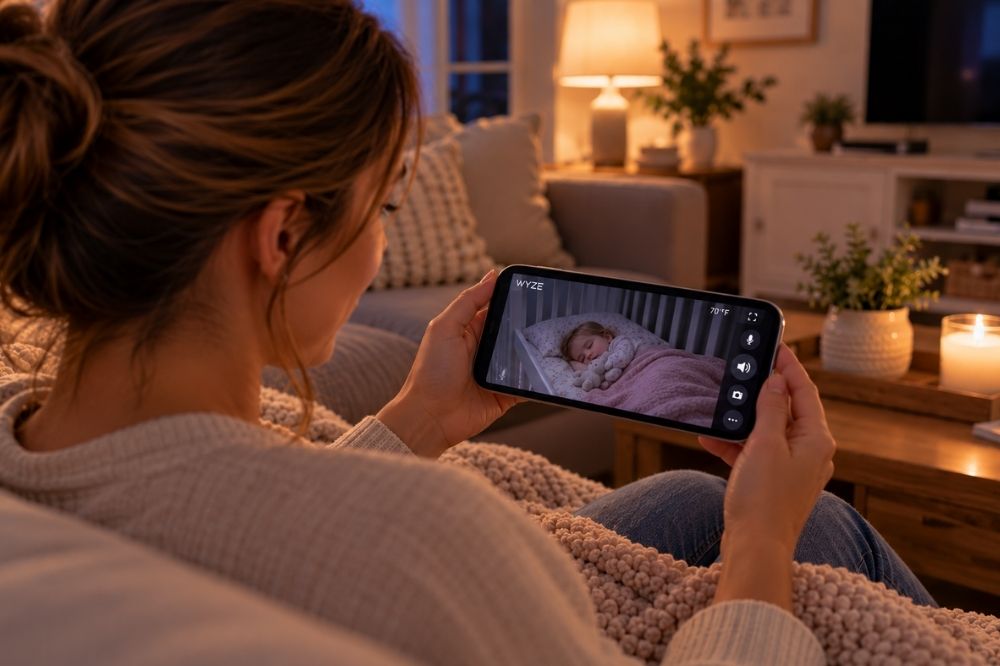
You’ve had twelve tabs open comparing baby monitors, and the ones with good reviews all cost close to $300. Then a friend mentions she just uses a Wyze cam, the same $40 camera people buy to watch their front porch, propped on a shelf pointed at the crib. It feels like it shouldn’t be allowed to be that easy.
Here’s the short version: a Wyze camera genuinely works as a baby monitor, and for straightforward video and audio monitoring it holds up well against monitors costing five to eight times as much. But “it works” isn’t the whole story. There are real trade-offs, a subscription structure that isn’t obvious until you’re already set up, and a security track record worth knowing about before you point any WiFi camera at your kid’s crib. None of that makes it a bad choice. It makes it a choice worth making with your eyes open, which is more than most quick reviews give you.
Which Wyze Camera Actually Works as a Baby Monitor
“Wyze baby monitor” isn’t one product, and this is where a lot of reviews get vague. Wyze makes several indoor cameras, and they’re not interchangeable for this job.
| Model | Price | Video | Pan/Tilt | Two-Way Audio | Local Storage |
| Wyze Cam v3 | About $36 | 1080p, color night vision | No | Yes | microSD (up to 256 GB) |
| Wyze Cam v4 | About $40 | 2.5K QHD, color night vision | No | Yes | microSD (up to 256 GB) |
| Wyze Cam Pan v3 | About $38 | 1080p | Yes, 360° horizontal / 180° vertical | Yes | microSD (up to 256 GB) |
For a stationary crib view, the v3 or v4 is plenty. The Pan v3 earns its slightly higher price if your baby moves around a lot or you want to remotely reposition the camera without walking into the room, since it can spin a full circle and tilt without you touching it. All three run on 2.4 GHz WiFi only. If your router broadcasts a separate 5 GHz network by default, you’ll need to connect to the 2.4 GHz band specifically during setup, which trips up more people than it should.
What You Get Free, and What Actually Needs a Subscription
This is the part most “Wyze as a baby monitor” posts skip entirely, and it matters, because the $40 price tag isn’t the full cost if you want certain features.
Without paying anything, you get live video viewing anytime, push notifications for motion and sound, and two-way talk, all functional out of the box. Local recording to a microSD card (sold separately) also works with no subscription at all, which is the setup most parents actually want for a nursery: nothing leaves your house unless you choose to view it remotely.
Where a subscription comes in is cloud-based extras:
| Plan | Price | What It Adds |
|---|---|---|
| Free | $0 | Live view, push alerts, local microSD recording |
| Cam Plus | $2.99/mo per camera ($29.99/yr) | 14-day rolling cloud event history, person/pet/crying-sound detection |
| Cam Unlimited | $9.99/mo ($99.99/yr) | Cam Plus features across unlimited cameras, multi-camera view |
| Cam Unlimited Pro | $19.99/mo ($199.99/yr) | Everything above, plus 60-day cloud storage and AI video search |
If you’re only using one camera in the nursery and don’t care about cloud clip history, you can run this setup with a microSD card and never pay a subscription fee. If you want the crying-detection alert specifically (as opposed to generic sound alerts, which the free tier already includes), that’s a Cam Plus feature.
How It Actually Performs
Independent lab testing backs up the reputation. BabyGearLab’s testing found daytime video “clean and sharp, with a great color display that is true to life,” and called the app layout “intuitive” enough that “first-time navigation” was easy. Night vision was rated as functional, providing “a crisp image that provides enough detail to see what you need,” though less refined than daytime footage.
The honest weak point is audio. The same testing flagged that “when there is no crying, there is a lot of white noise and static,” describing the sound as lacking clarity with chronic distortion. If crystal-clear ambient nursery sound (breathing, small stirring noises) matters to you as much as video does, this is the tradeoff you’re making for the price.
One more practical note: there’s no dedicated parent unit. Everything runs through your phone, which means using the app, not a separate screen, and being mindful of battery drain if you’re keeping it open all night.
The Part Most Reviews Leave Out: Wyze’s Security History
Before you put any WiFi camera in your child’s room, it’s worth actually knowing this, not glossing over it.
In February 2024, a caching error tied to a third-party service Wyze relies on caused roughly 13,000 Wyze customers to briefly see camera thumbnails from other people’s homes, and 1,504 of them opened a feed that wasn’t theirs. According to reporting from CBS News, the issue traced back to a service outage that, as devices reconnected, caused “the third-party caching client library” to mix up device and user ID mapping, connecting some camera data to the wrong accounts. Wyze co-founder Dave Crosby disclosed the incident on the company’s own forum and said the company added “a new layer of verification to ensure users are only shown feeds that belong to them.” It wasn’t the company’s first security incident either; earlier camera generations had documented vulnerabilities in prior years, and Wyze has said its original first-generation camera is no longer supported or receiving security updates.
None of this means don’t buy one. It means treat it like the internet-connected device it is: use a strong, unique password, turn on two-factor authentication in the Wyze app, keep the firmware updated, and if you’d rather your baby’s video never touch the cloud at all, use local microSD recording instead of a cloud plan and skip linking any third-party integrations you don’t need. A monitor that only works if nothing ever goes wrong is a real risk to weigh, not a footnote.
How It Stacks Up Against “Real” Baby Monitors
Here’s where the actual buying decision gets made, comparing what each option does, not just what it costs:
| Monitor | Price | What It Does | Subscription | Best Fit |
|---|---|---|---|---|
| Wyze Cam v4 | About $40 | Video + two-way audio + motion/sound alerts | Optional, from $2.99/mo | Parents who want eyes and ears on the room, nothing more |
| Infant Optics DXR-8 Pro | About $200 | Dedicated 5″ screen, non-WiFi connection, interchangeable lens | None | Parents specifically prioritizing a device that can’t be remotely hacked, even at the cost of picture quality |
| Nanit Pro | $299–$379 | HD video, breathing-motion detection, sleep insights | Optional, roughly $10/mo or $70–$100/yr for full insights | Parents who want sleep-pattern data layered on top of video |
| Owlet Dream Sock | $299–$349 (camera bundle $449–$499) | Wearable pulse oximetry: heart rate and blood oxygen | Optional, roughly $10/mo | Parents who specifically want biometric vital-sign monitoring, not just a video feed |
Worth noting on the non-WiFi option: independent lab testing of the Infant Optics DXR-8 Pro found real downsides too, including disappointing video quality for the price and tinny, distorted audio, so “hack-proof” doesn’t automatically mean “better experience.” Every option on this list is a genuine trade-off, not a clear winner across the board. A Wyze camera and a Nanit are not actually competing for the same job: one is a monitor, the other is a monitor plus a sleep-tracking product with a subscription behind its most useful features. Decide which job you’re actually hiring the device to do before comparing prices.
Setting One Up the Smart Way
If you decide a Wyze camera is the right call, a few adjustments make it noticeably better as a nursery tool:
- Buy a microSD card at the same time. Local recording with no subscription is the simplest, most private way to run this camera.
- Turn on two-factor authentication in the Wyze app immediately, not “eventually.”
- Mount it out of reach and away from the crib itself, both for cord safety and to get a full-room view rather than a close-up.
- Turn off notifications you don’t need. Constant motion alerts from a mobile crib toy get old fast.
- Check for firmware updates monthly. Security patches for known issues only help you if you actually install them.
So, Is It Good Enough?
For most parents, yes, with the caveat that “good enough” should mean “I know what I’m trading off,” not “I assumed it was identical to a $300 monitor.” You get sharp daytime video, workable night vision, and two-way talk for a fraction of the price of a dedicated monitor, with imperfect audio clarity and a company security history that’s worth taking seriously rather than ignoring. If what you actually want is sleep-pattern tracking or vital-sign data, a Wyze camera was never competing in that category to begin with, and a Nanit or Owlet is solving a different problem. If what you want is a reliable way to see and hear your baby from another room, this is a legitimately good, well-tested way to get there for $40.
Frequently Asked Questions
Do I need a subscription to use a Wyze camera as a baby monitor?
No. Live viewing, push alerts for motion and sound, and two-way talk all work without paying anything. A subscription only adds cloud video storage and more specific detection types, like crying-sound alerts. Local recording to a microSD card also works without any subscription.
Which Wyze camera is best for a nursery, the v3, v4, or Pan v3?
The v4 offers the sharpest video (2.5K versus 1080p) for about the same price as the v3, making it the better pick if you’re buying new. The Pan v3 is worth the small upgrade if you want to remotely reposition the camera instead of keeping it fixed on one spot.
Is it safe to use a WiFi camera as a baby monitor after Wyze’s security incidents?
Wyze has had documented security issues, including a 2024 incident that briefly exposed camera thumbnails to the wrong accounts. The company responded with additional verification checks. Using strong unique passwords, enabling two-factor authentication, keeping firmware updated, and relying on local storage instead of cloud storage all reduce your exposure, though no internet-connected camera is completely risk-free.
Can a Wyze camera replace a monitor like the Owlet or Nanit?
Not for the same purpose. Wyze provides video and audio monitoring only. Owlet and Nanit add specific data (blood oxygen and heart rate for Owlet, breathing motion and sleep analysis for Nanit) that a standard camera cannot measure, usually behind their own optional subscriptions.
